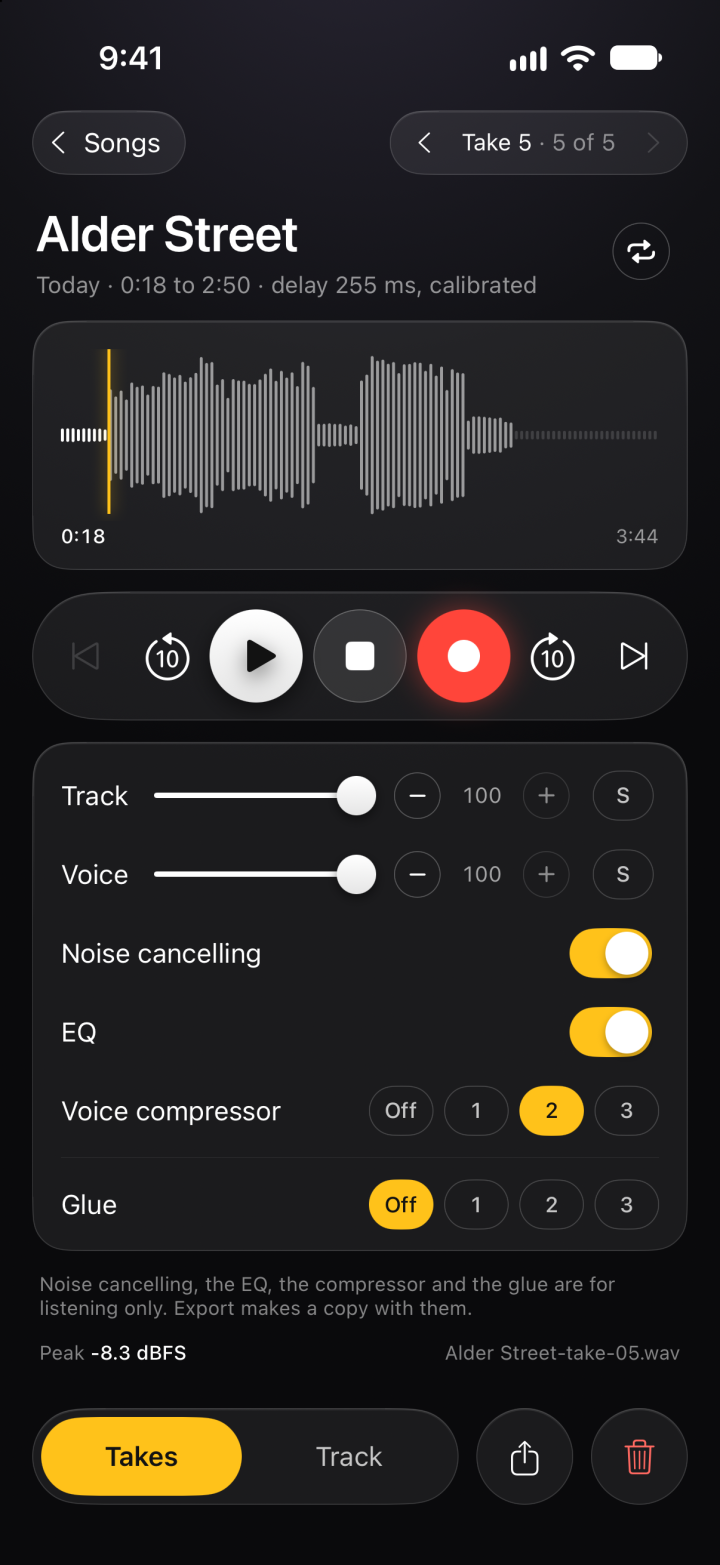
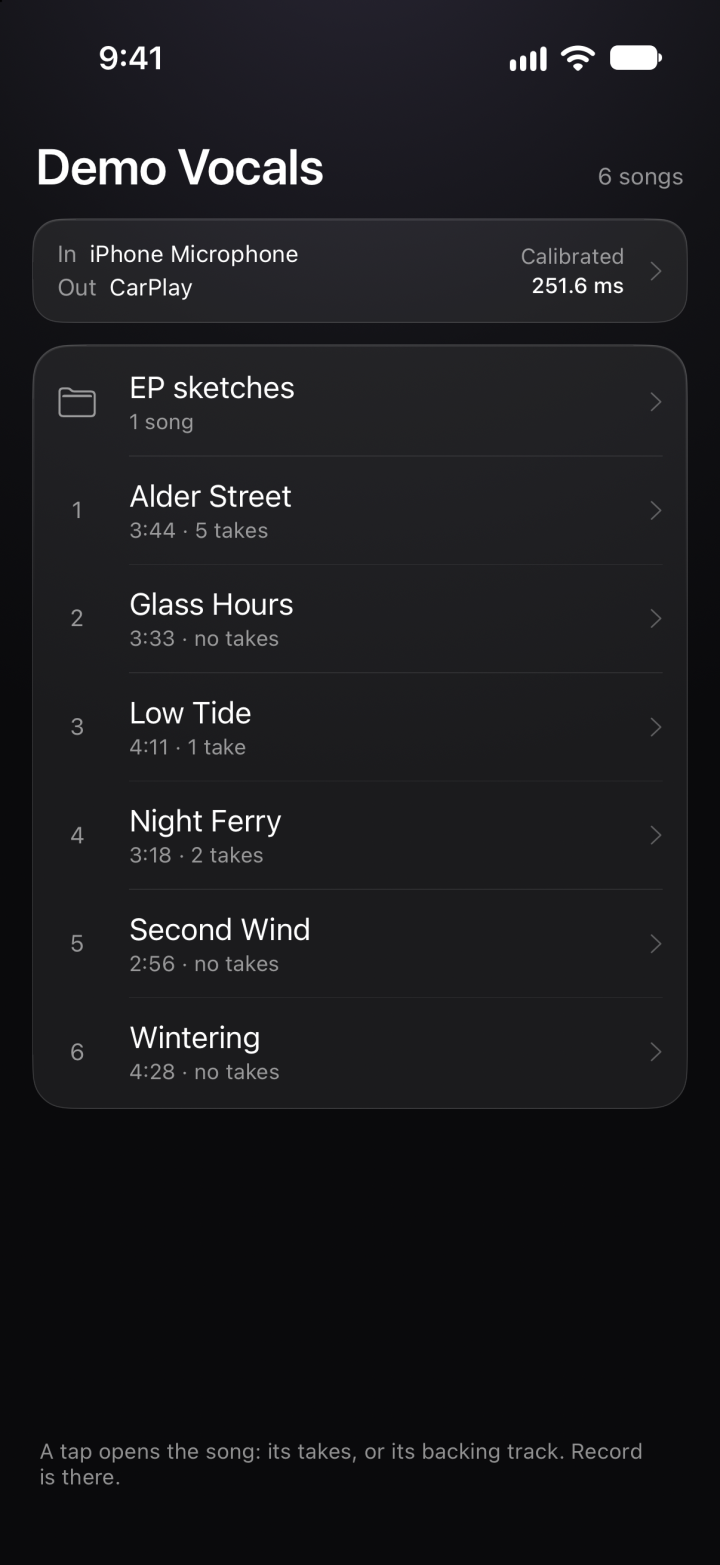
The song is the main view
Takes, transport and mix live on one screen, with Record right beside Play.
Every app here runs natively on iOS, iPadOS or macOS.
01iOS · October to November 2026Independent productDirection, design and implementation
Recording a vocal in the car, and having it land in time.
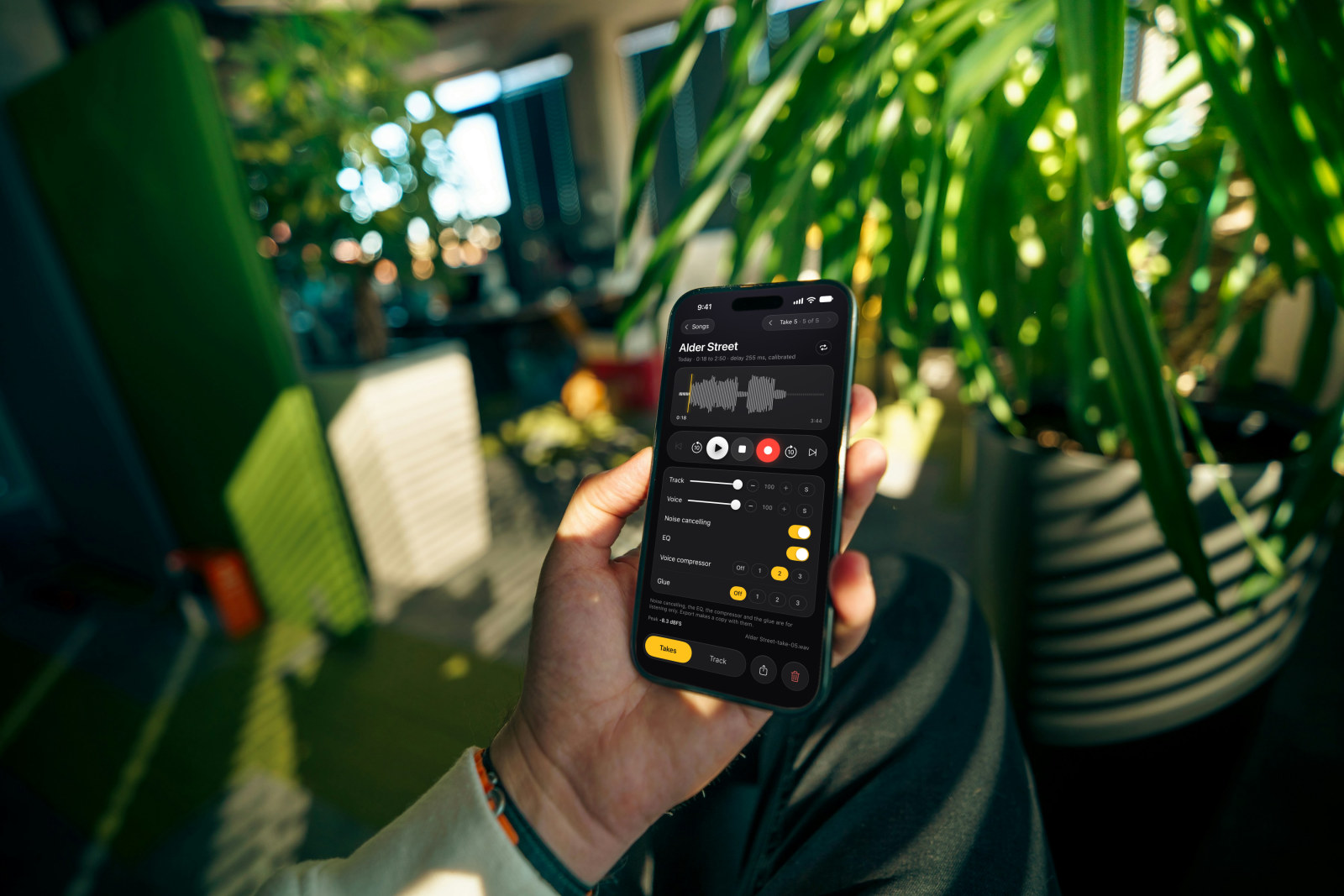
Demo Vocals records a vocal over a backing track away from the studio, in the car. Wireless playback adds a delay that keeps changing, so each take has to line up without the singer thinking about it.
“You have to sync every time because the delay changes.”From the design sprint discovery
Takes, transport and mix live on one screen, with Record right beside Play.
Four directions, then three finishes, then three degrees of fineness. One question per round kept each choice easy to judge.
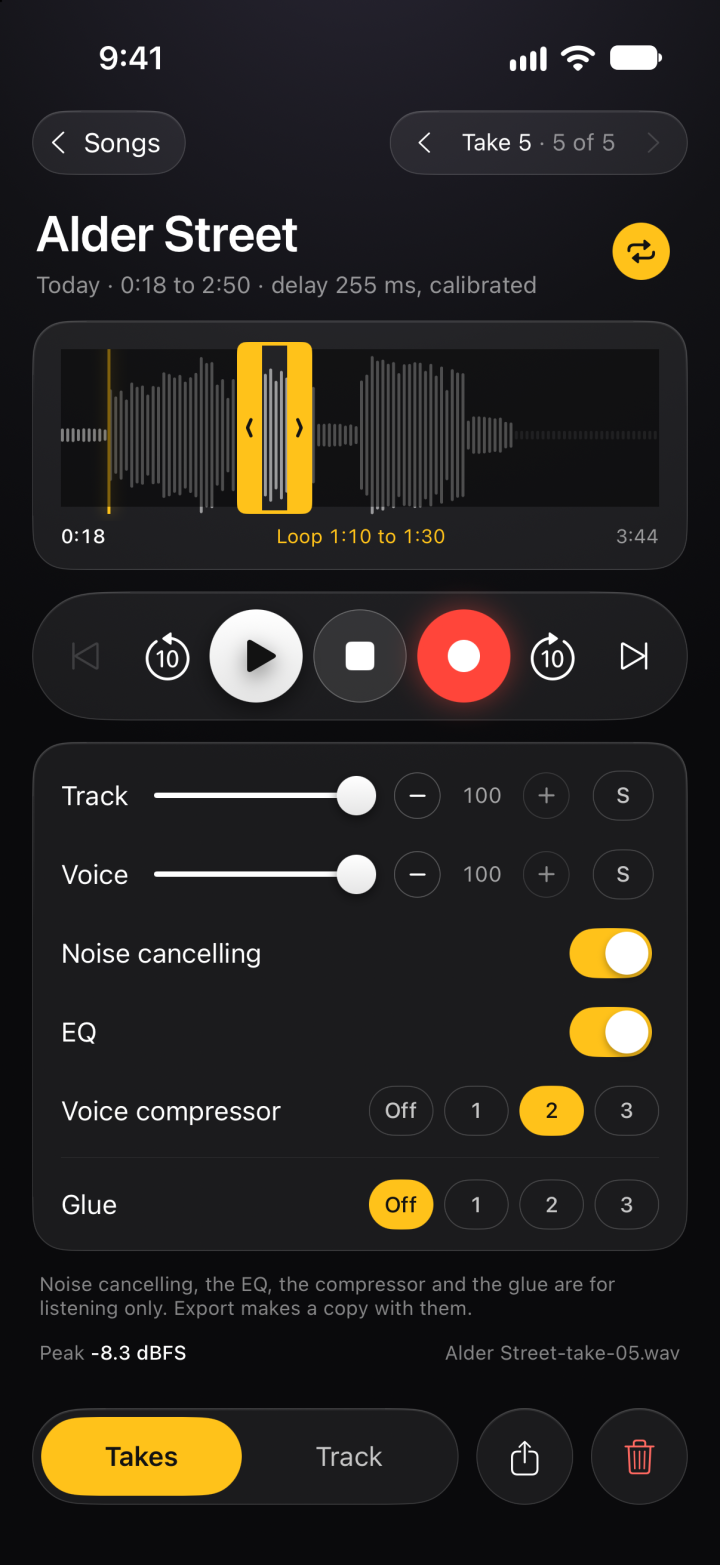
Modelled on the video trim in Photos and corrected through use. A first loop starts as the whole song.
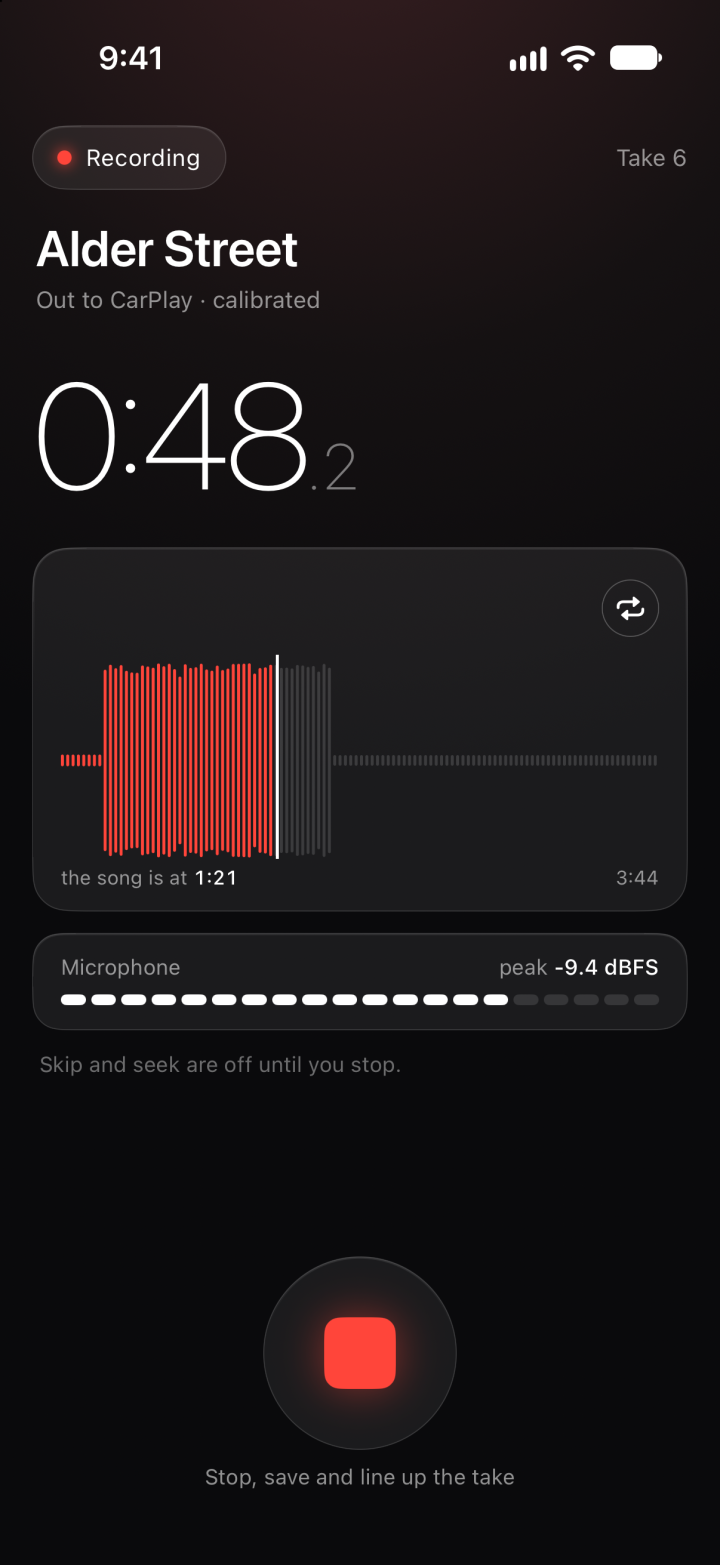
While recording, the screen holds the time, the level and Stop. Skip and seek stay off until recording stops.
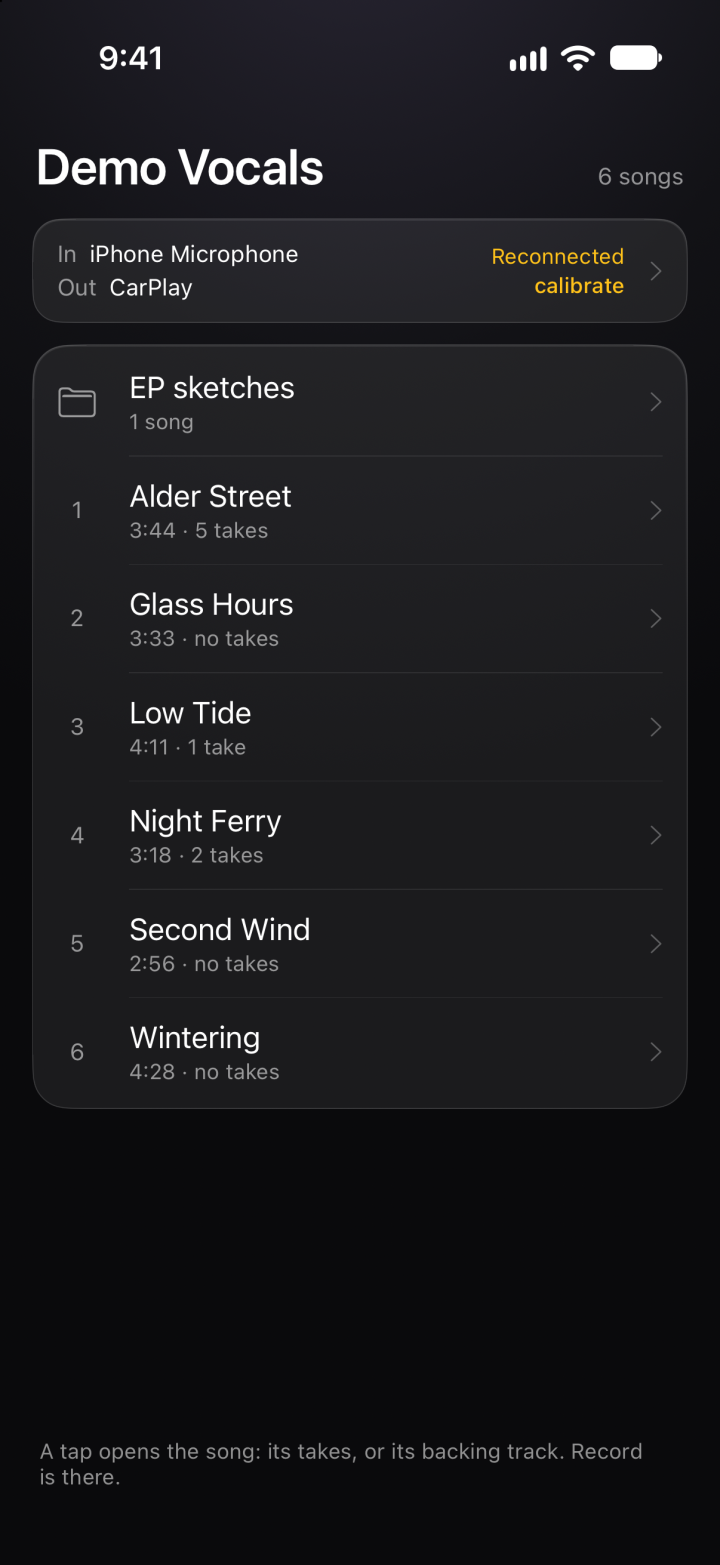
The delay changes each time the car connects, so the song list says “Reconnected, calibrate” before a take can go wrong.
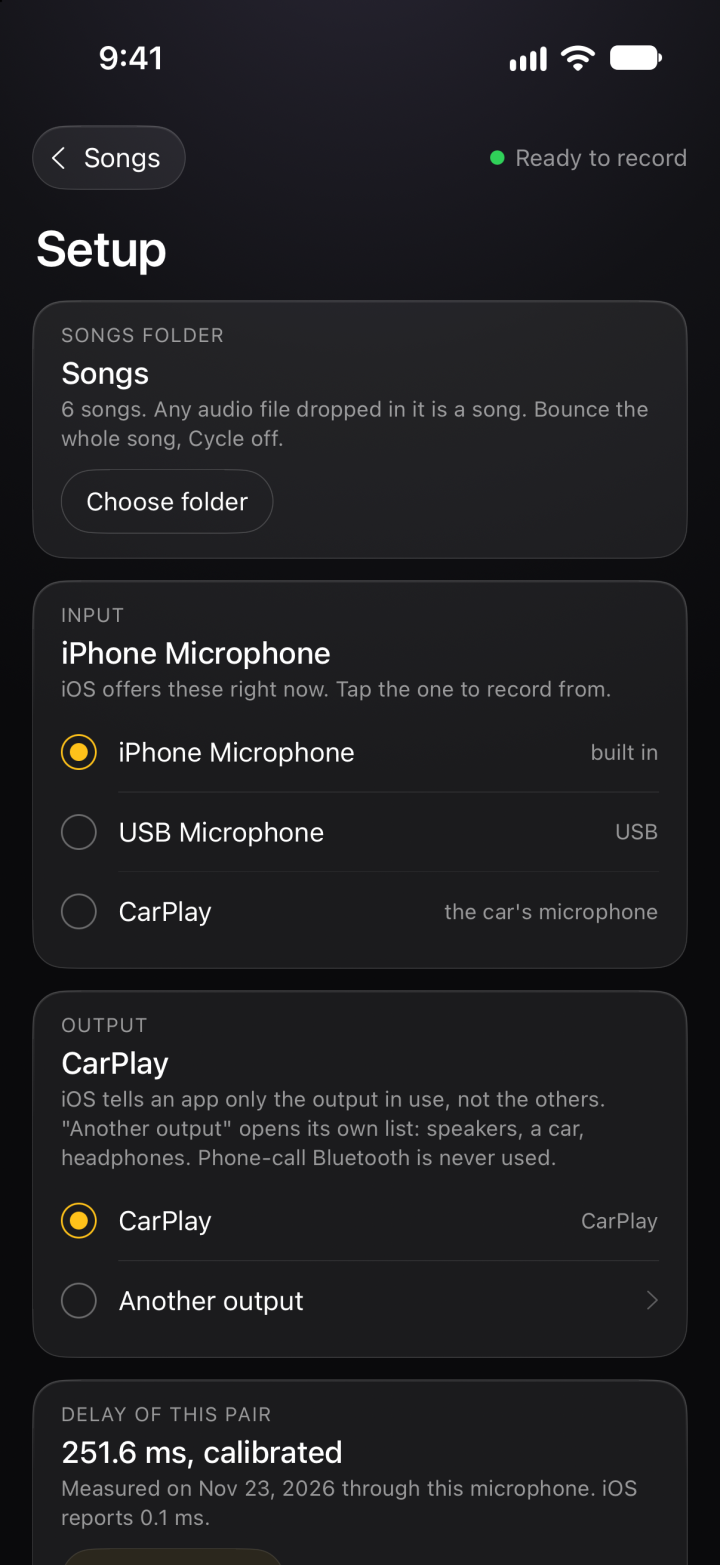
Setup names the microphone and the output, and shows the delay measured for that exact pair.
02iOS and macOS · November 2026Independent productDirection, design and implementation
Working with Claude AI while hands and eyes are busy.
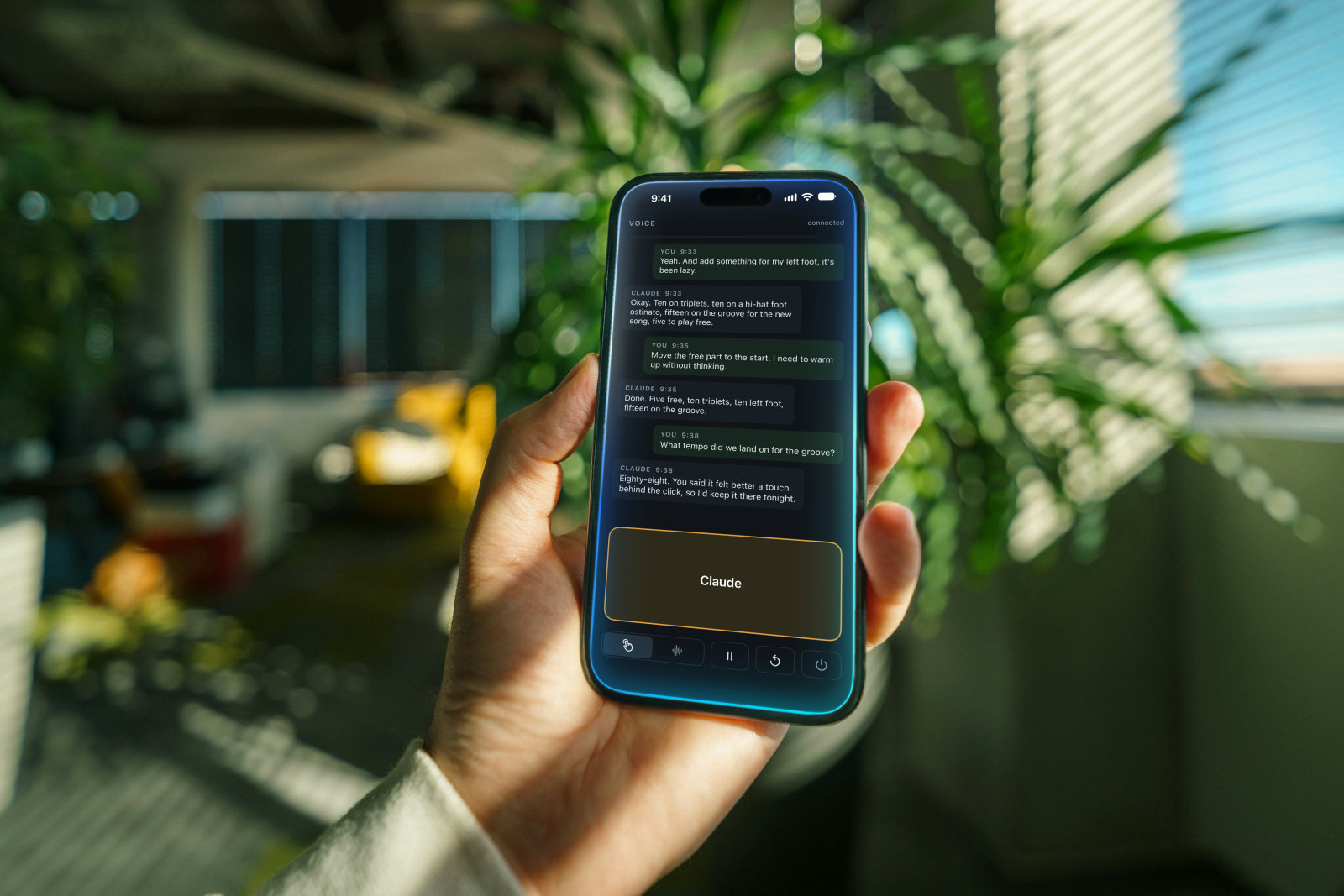
Claude Code iOS Voice is an independent voice client for working with Claude Code out loud while hands and eyes are busy, at a drum kit, on camera, or walking with AirPods and the phone locked. The screen had to read at a glance and run with one thumb.
“It’s the most frustrating thing in the world to talk for 15 minutes and have nothing.”From the design sprint discovery
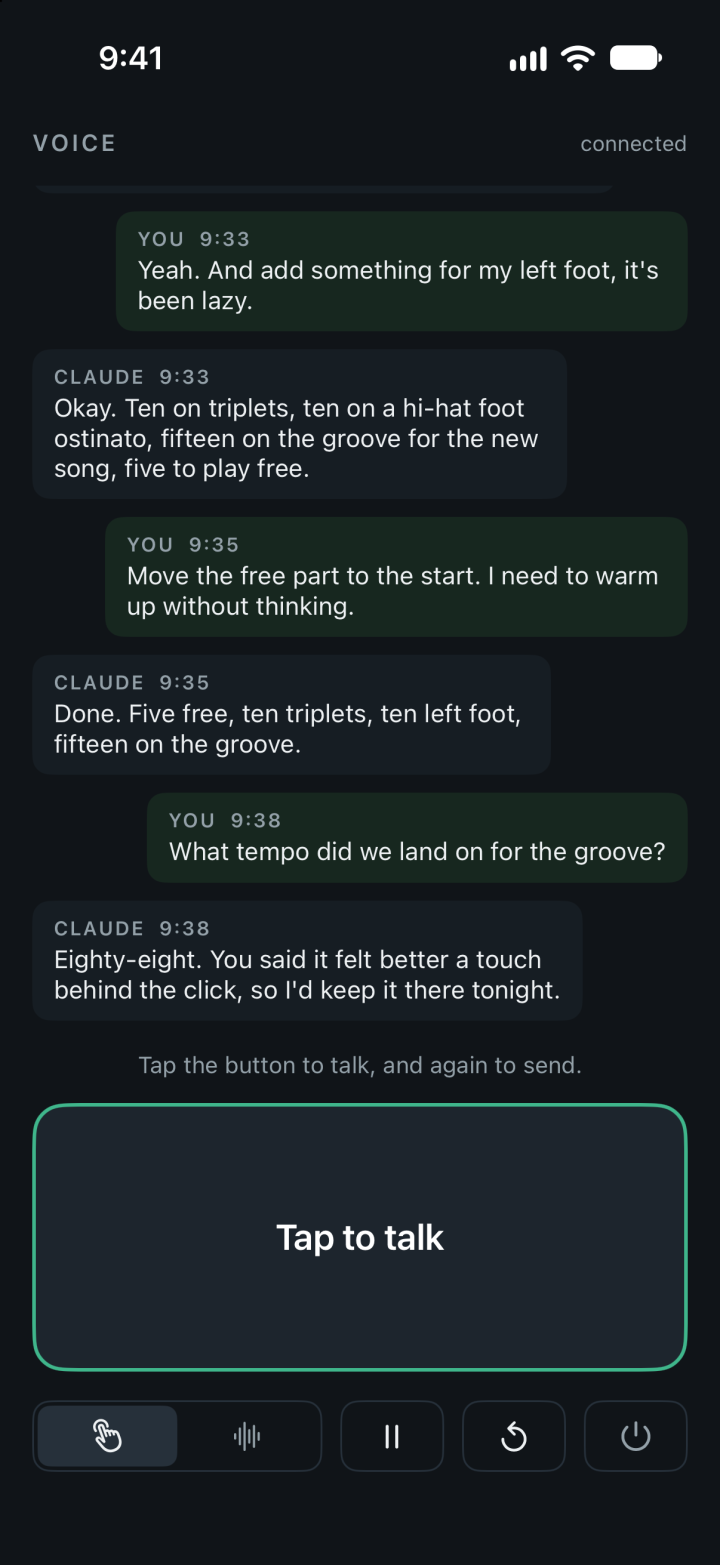
Only the conversation scrolls. The state, the big button and the controls stay fixed at the bottom, so the app runs with one hand.
Hands-free sent thinking pauses as messages, and it wasn’t clear whether a message had landed. Push to talk became the default, and two soft notes confirm a send.
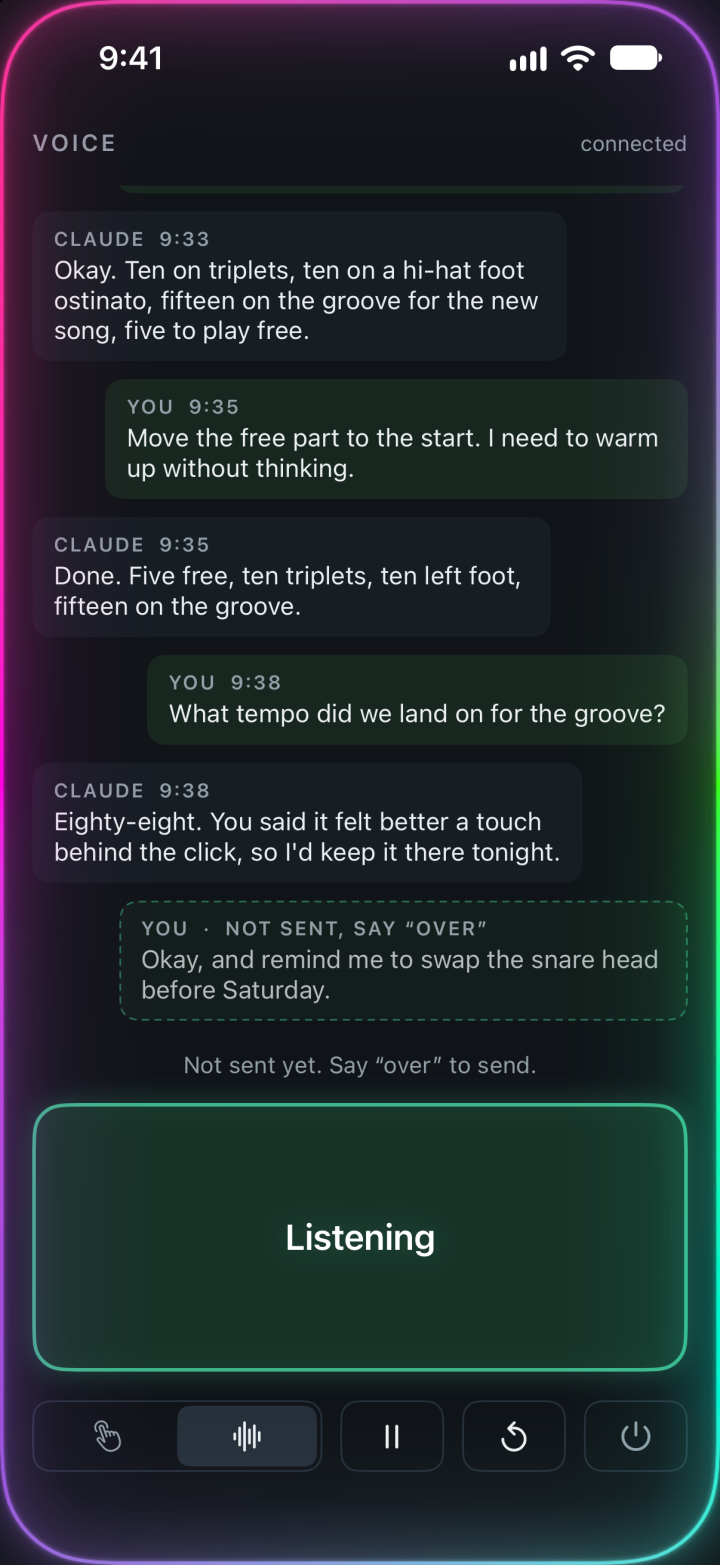
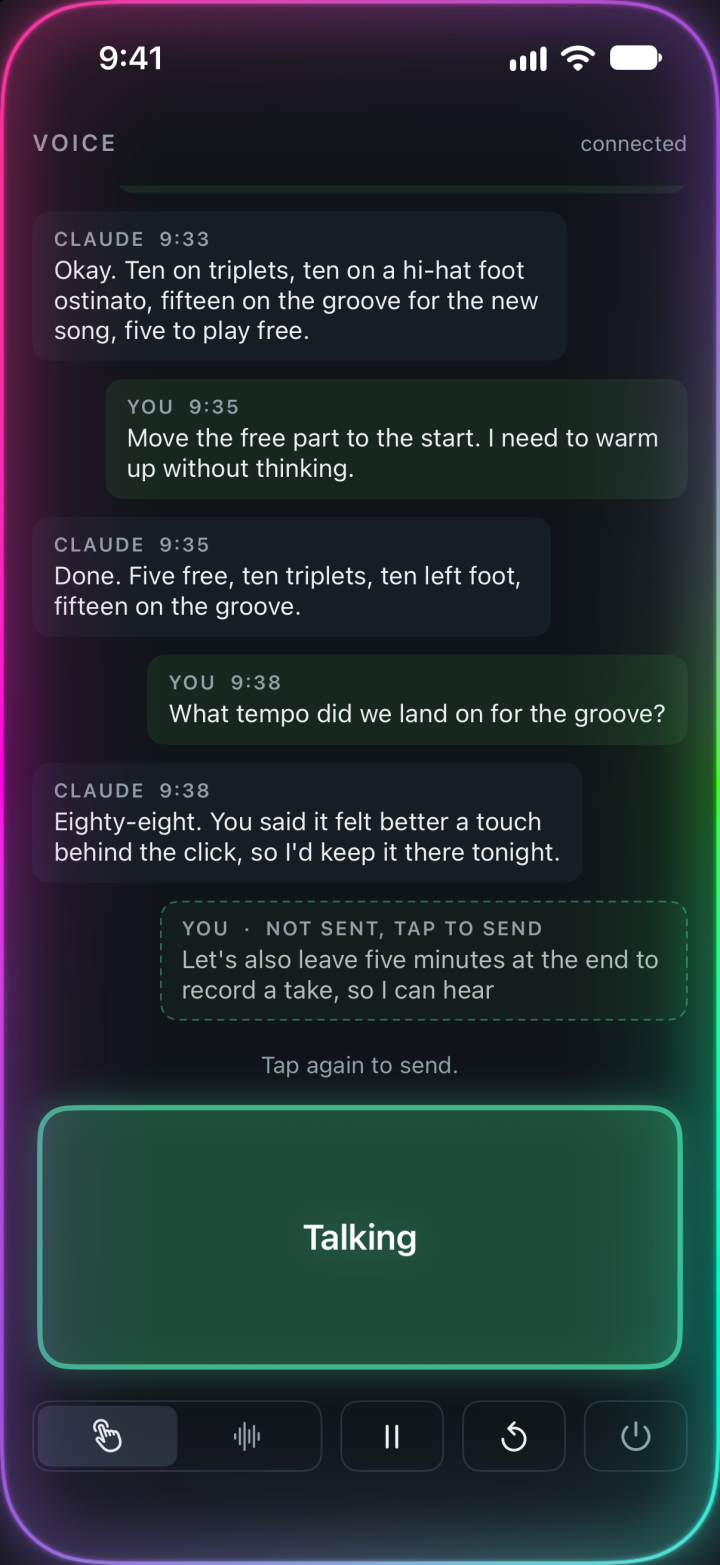
A 15-second timer kept sending half a thought. Now a dashed “not sent” draft fills phrase by phrase until the speaker says “over”.
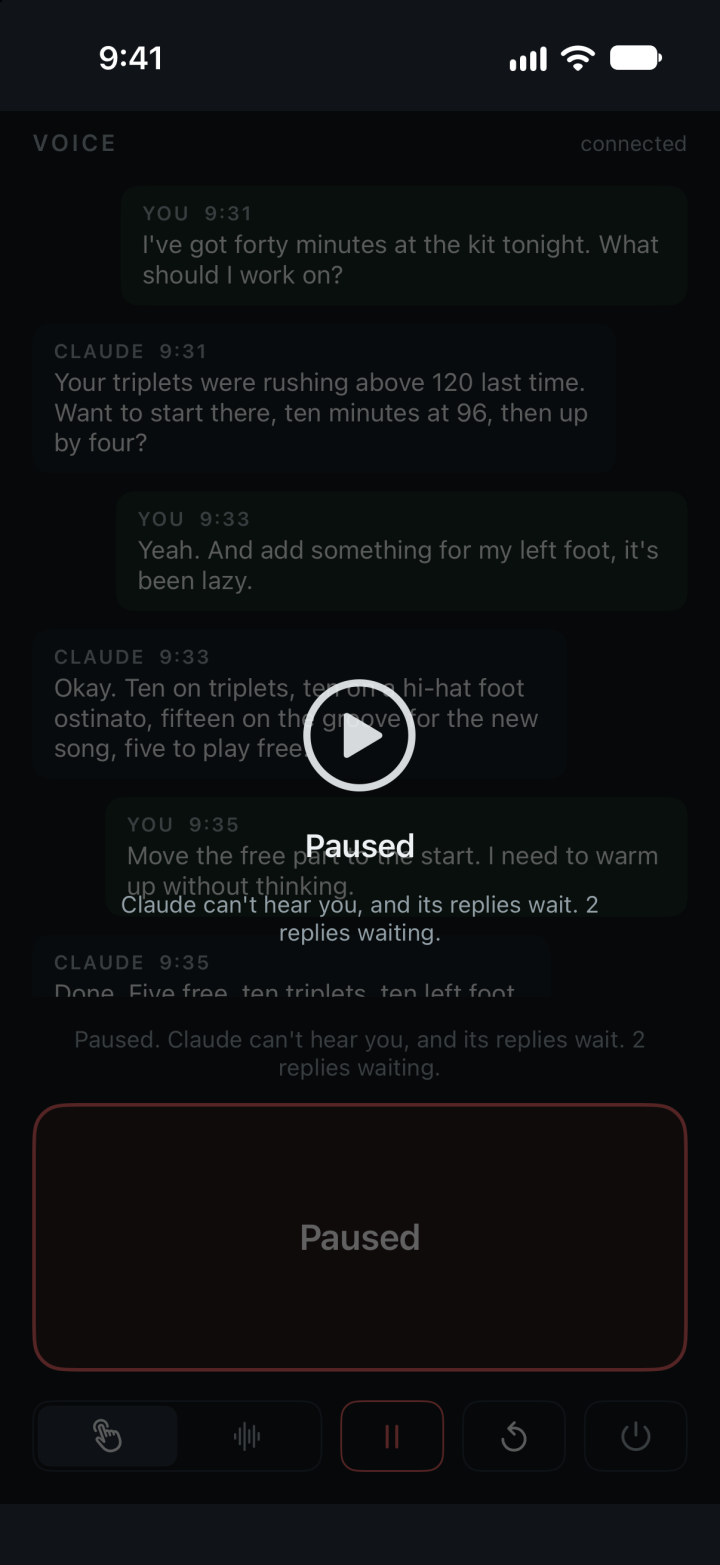
Three kinds of pause became one, across modes and devices. Claude’s replies wait until the person is back.
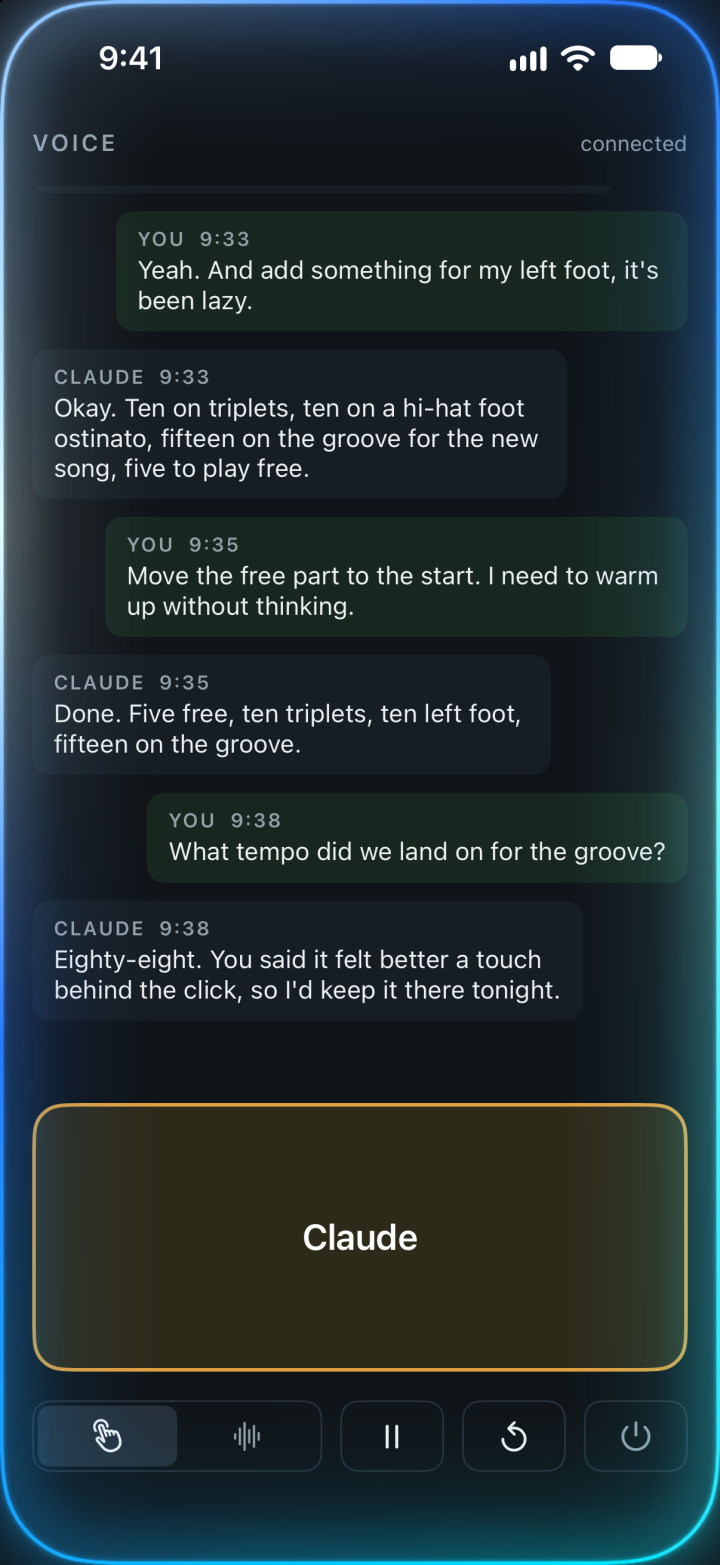
Three colours were compared, and Ice won over Sunset. The edge of the screen shows who’s speaking.
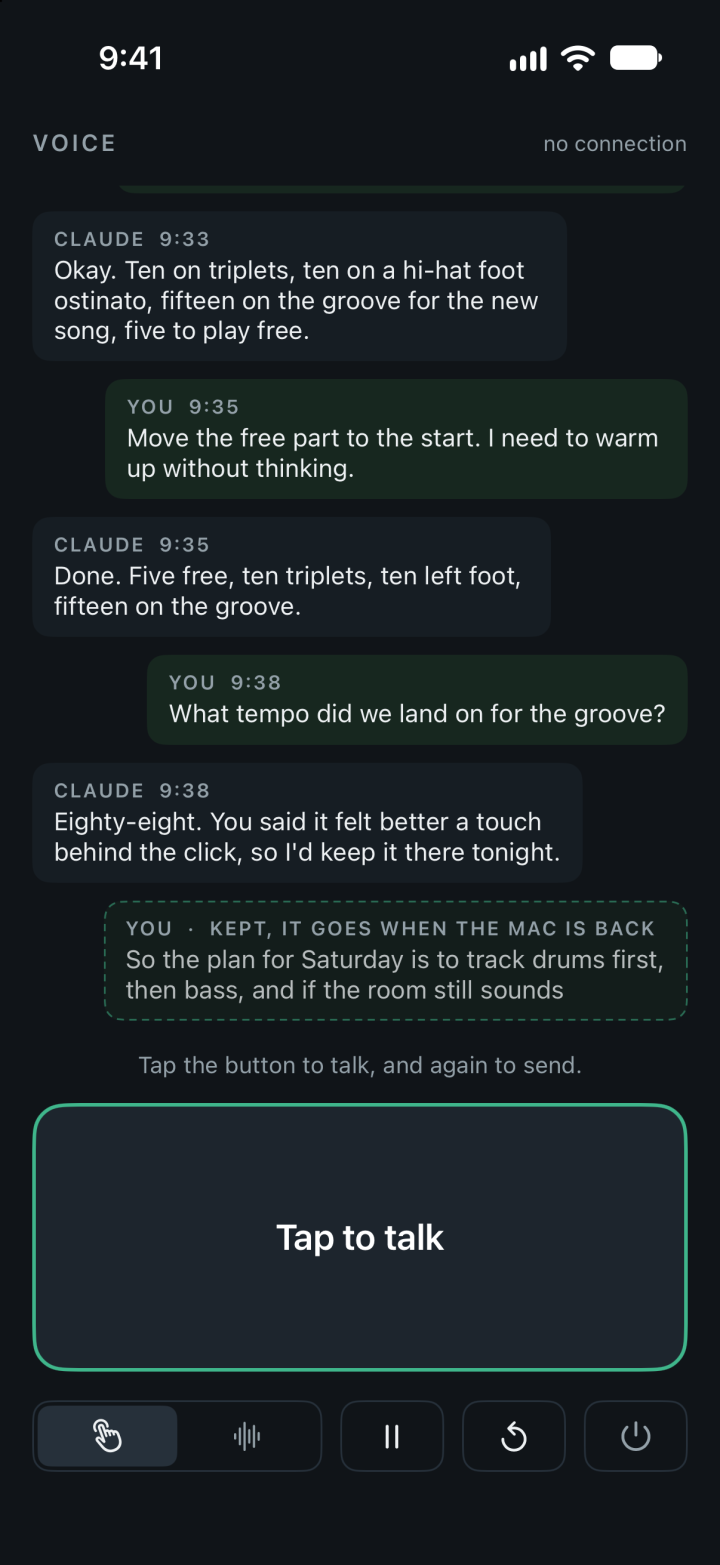
A dropped connection shouldn’t cost anyone what they said. The draft stays on screen and says it’s kept until the Mac is back.
03iOS · November 2026Independent productDirection, design and implementation
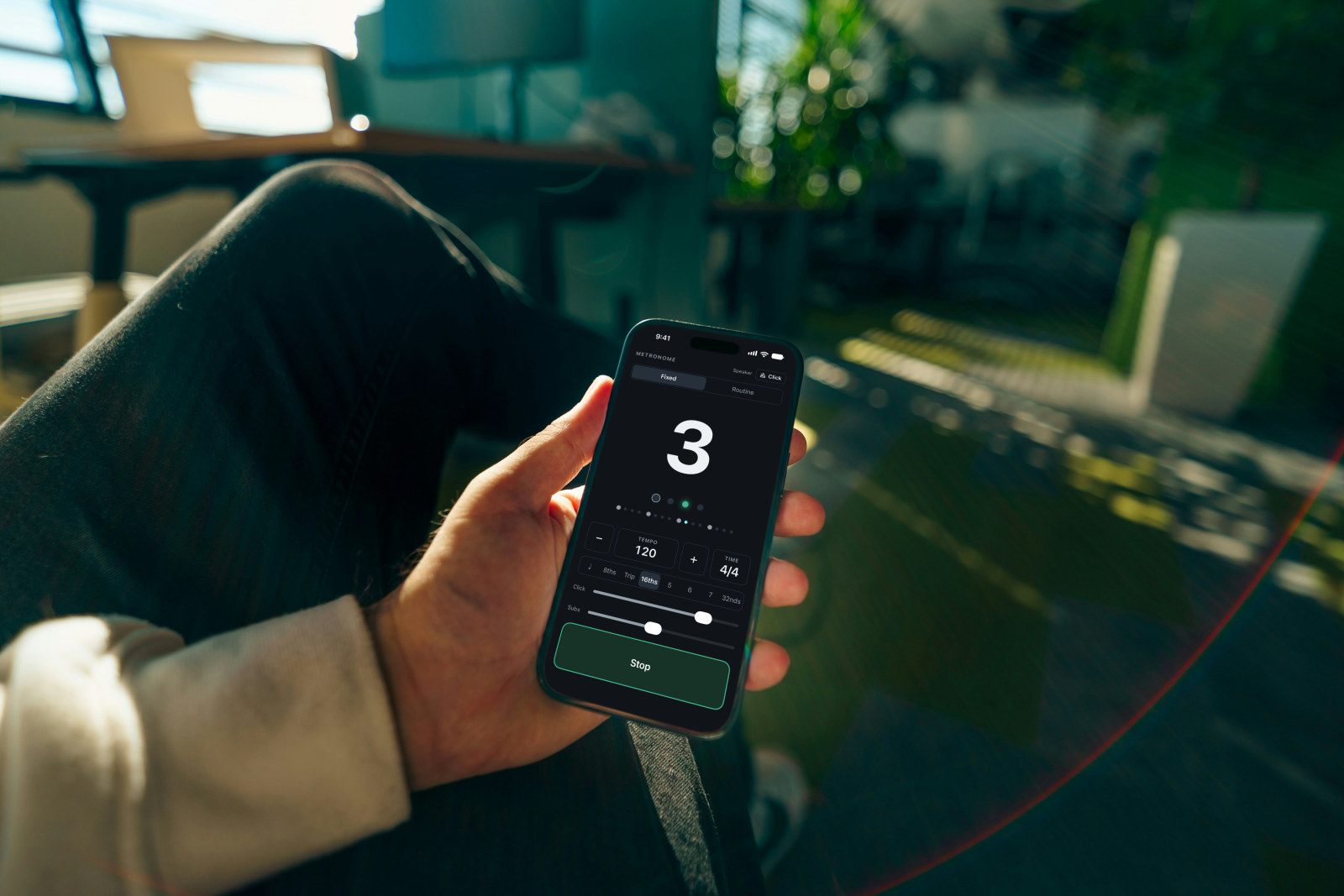
Practice metronome and subdivision tool for musicians.
Drummers practise against subdivisions and routines that change as they play. Metro & Subdivisions had to read at a glance, play subdivisions under the click and move through a routine by itself.
“We need a master tempo across routines.”From the design sprint discovery
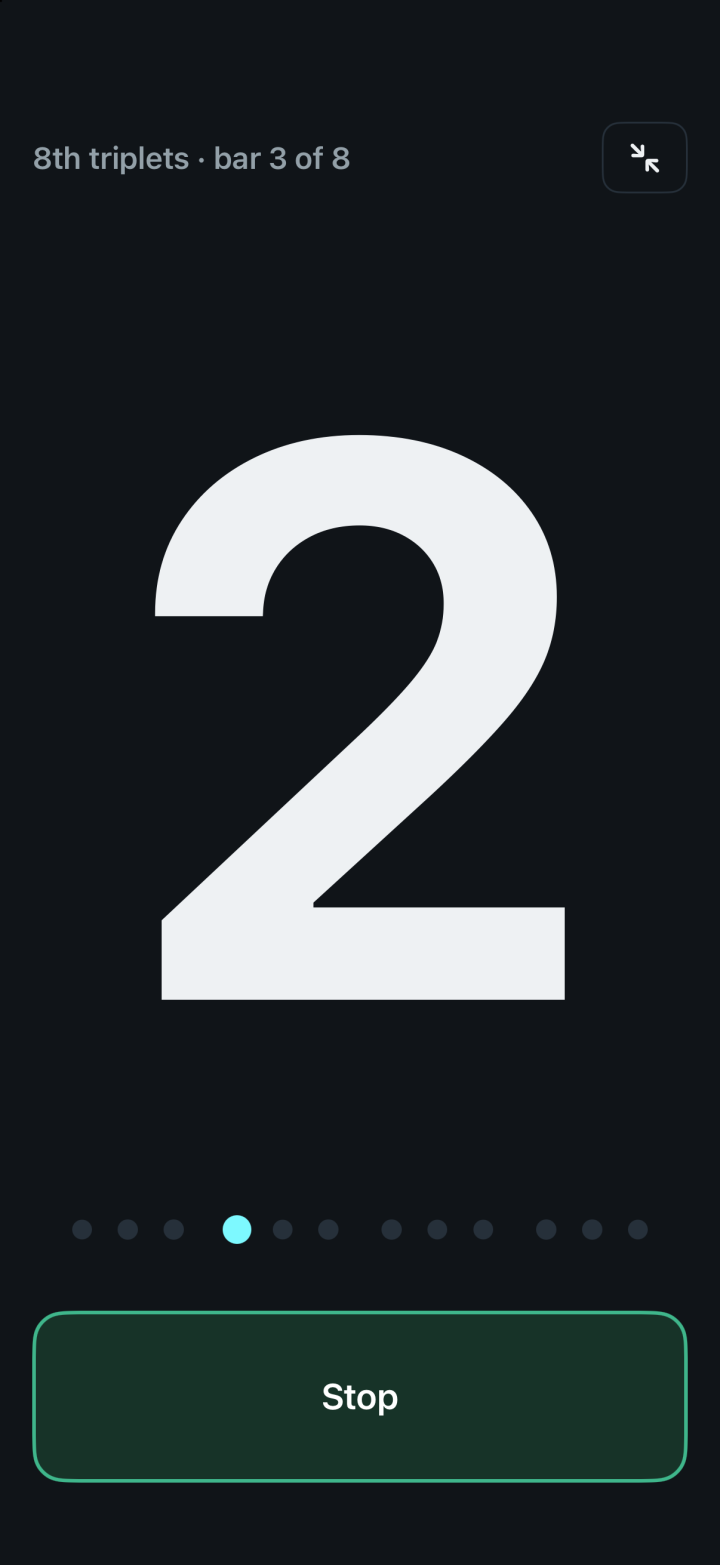
A plain, flat number won over a neon border on every beat. Full screen cuts everything down to the number, the subdivisions, start and stop.
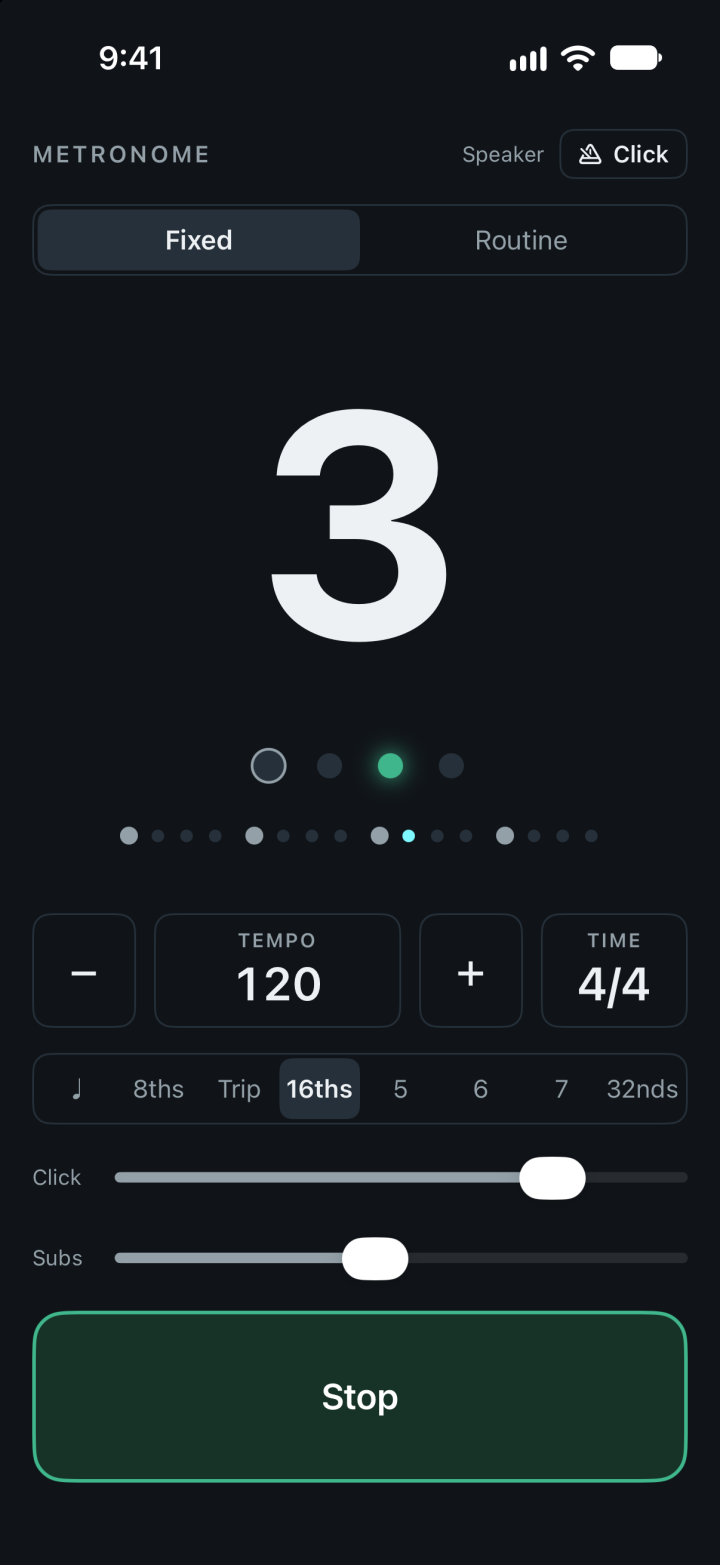
Accents needed more contrast. Measured at 7.0 dB, they were raised to 13.6 dB at the peak.
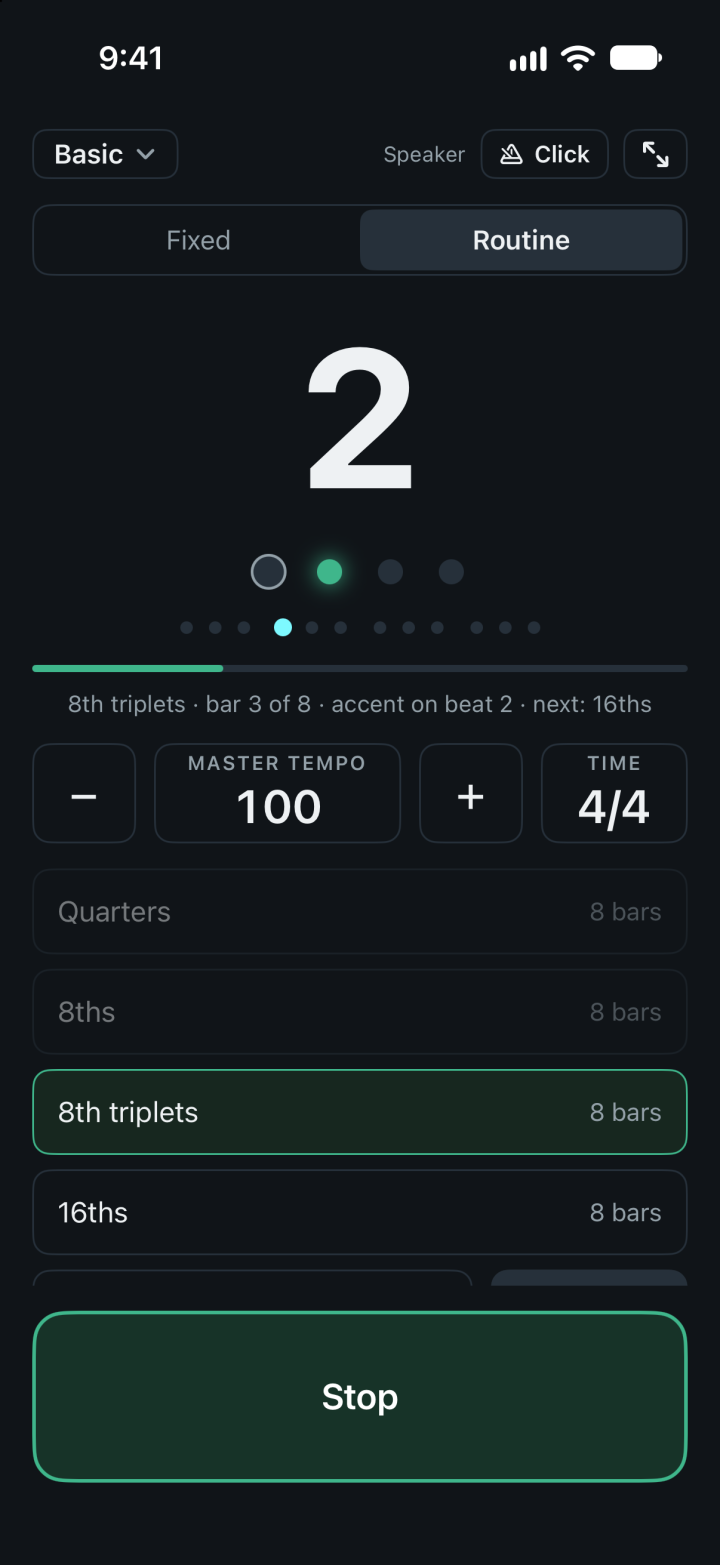
One tempo drives the whole routine, and a step can opt in to its own.
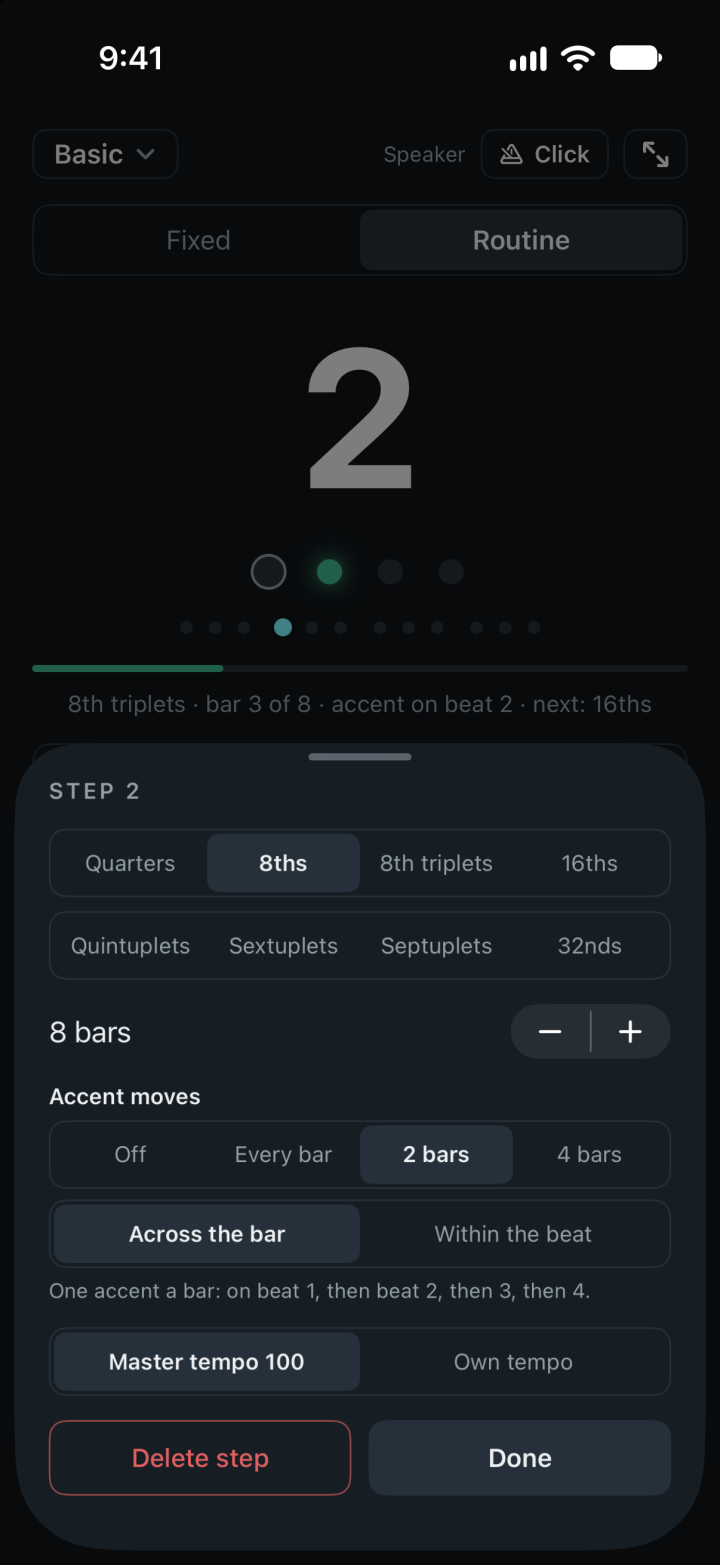
The first build moved the accent within the beat, while the idea was to move it across the bar. Across the bar became the default, and the other stayed as an advanced option.
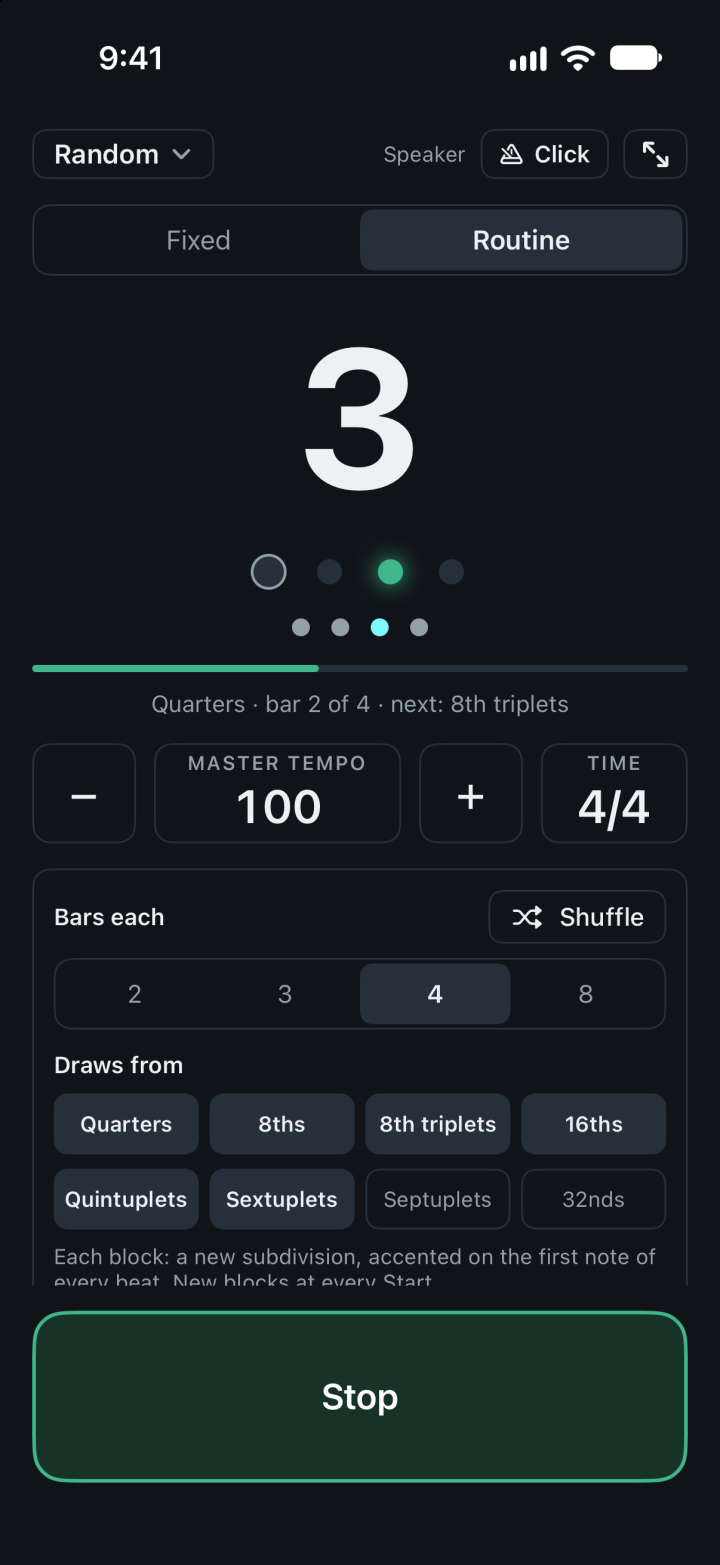
Random practice only moves the subdivision, so there’s one new thing to play at a time.
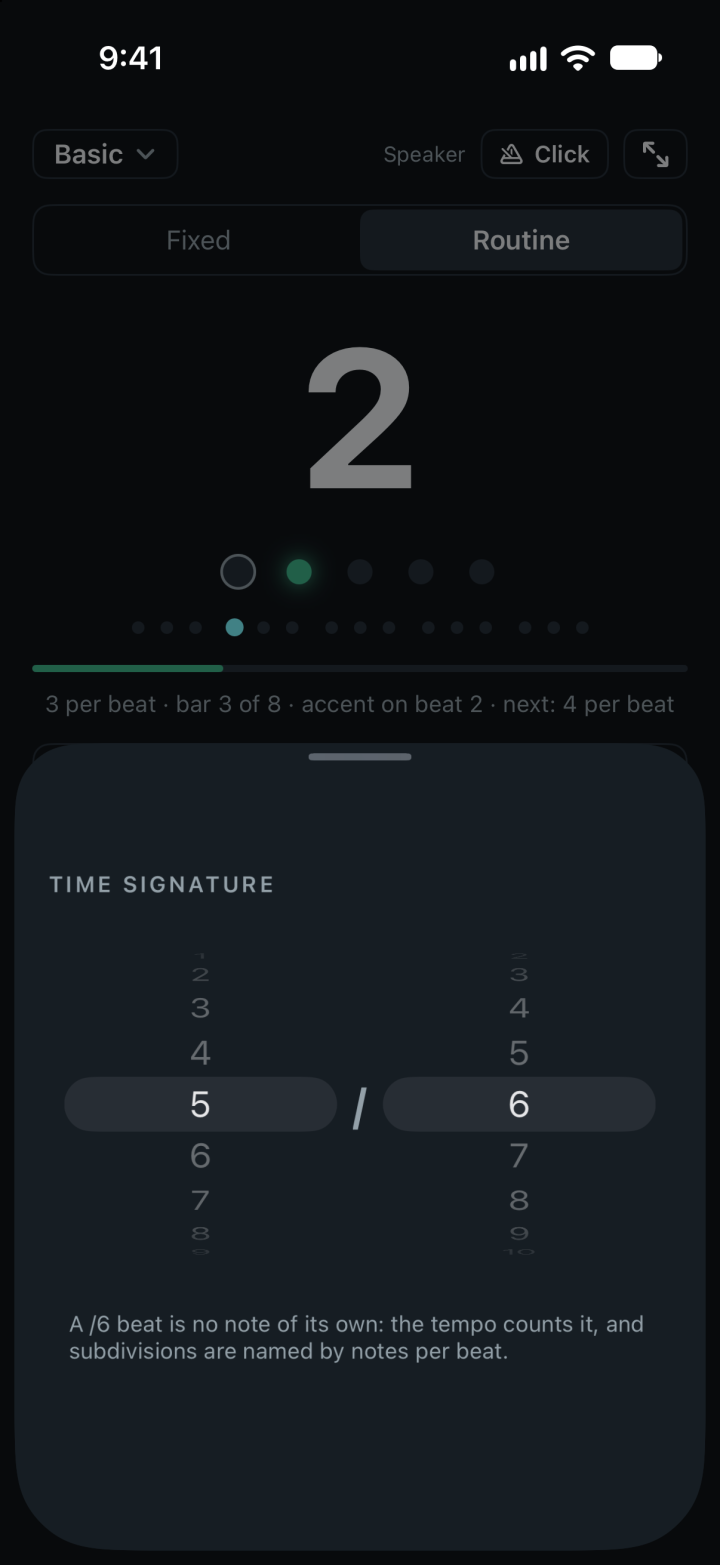
Time signatures go well past 4/4, and subdivisions are named by notes per beat.
Selected iOS screens.